Lewis SelbyCo-Founder, Maxme
6 min read
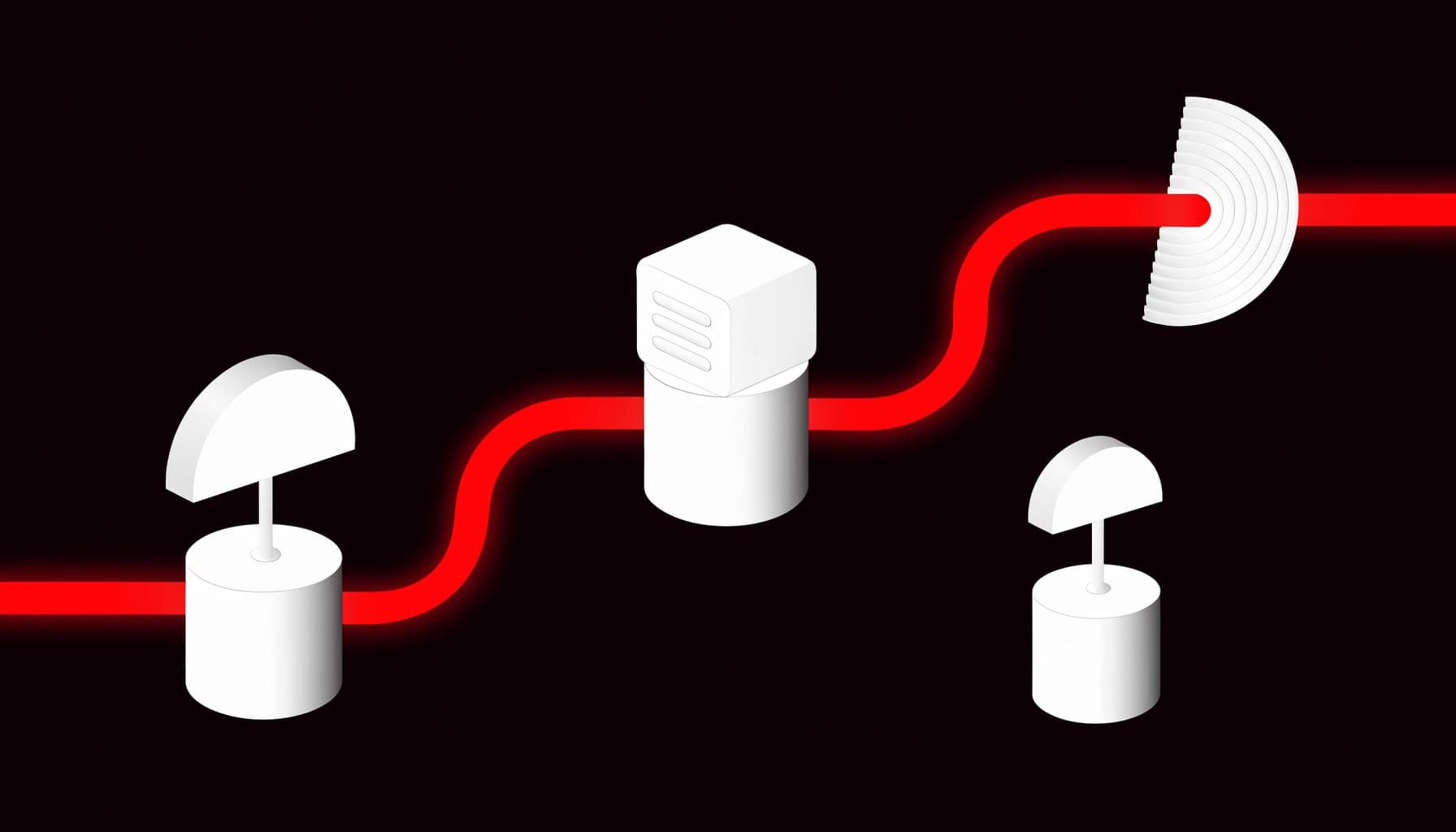
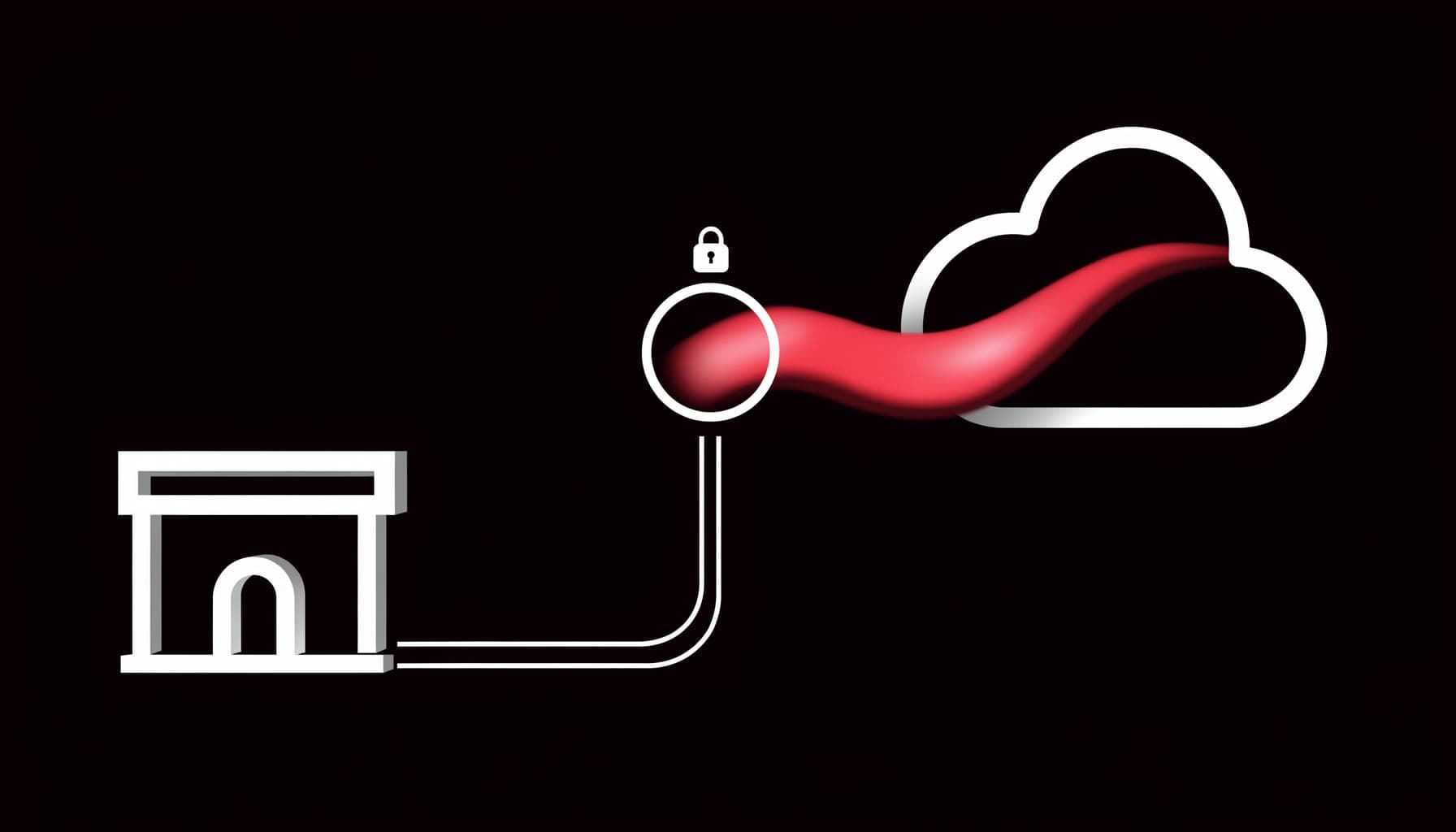
Paystack and Flutterwave checkouts often break Meta tracking because they redirect the customer off your site to complete payment, so the browser pixel never fires the Purchase event on the way back. The fix is to fire a server-side Conversions API purchase when the gateway confirms payment through its webhook, keyed to the original click, instead of relying on the redirect landing.
Why gateway redirects lose the sale
Paystack and Flutterwave use hosted checkout: the customer leaves your store, pays on the gateway's page, and is then redirected back. The Purchase event only fires if they land back on a thank-you page that runs your pixel. On mobile, on flaky networks, or when the redirect drops, plenty of paying customers never make it back to that page.
So the money arrives, the gateway confirms it, but Meta records nothing. Your ad account then optimises against a purchase count that is missing exactly the conversions you paid for.
The webhook is your source of truth
Both gateways send a server-to-server webhook the moment a payment succeeds. That webhook does not depend on the customer's browser, their network, or whether the redirect completed. It is the one reliable signal that says this order was really paid.
So instead of trusting the redirect, you fire your Meta purchase event from the webhook. When Paystack or Flutterwave confirms payment, your server sends a Conversions API Purchase to Meta with the real value.
Keying the CAPI event to the ad
For Meta to credit the right campaign, the server event needs the identifiers from the original click:
- At checkout, capture the Meta click and browser identifiers (fbc and fbp) plus a unique order reference.
- Pass that reference into the gateway's transaction metadata when you initialise the payment.
- In the webhook handler, read the reference back, look up the stored fbc/fbp and hashed customer data, and send a CAPI Purchase with the real amount.
- Use a shared event ID so any pixel event and the server event deduplicate to a single purchase.
Shopify, WooCommerce, or custom, the principle holds
On Shopify with a Paystack or Flutterwave app, the redirect can still skip the thank-you page, so a webhook-driven server event is more reliable than the app's built-in pixel. On WooCommerce, Selar, or a headless build, you own the webhook endpoint directly, which makes this even cleaner.
Either way the rule is the same: treat the gateway webhook as the conversion, not the browser redirect. That is what makes tracking survive the off-site payment step.
Verify against real settlements
Once webhook-driven events are flowing, reconcile the Purchase events Meta received against your gateway settlements and Shopify orders for the same window. They should line up. If Meta is short, a webhook or identifier step is misfiring; if Meta is over, your deduplication is off.
When the numbers agree, you are finally attributing real, paid Paystack and Flutterwave orders to the ads that drove them.